
Why Apps Crash — And How We Fix Them – Demo

There’s nothing more frustrating than opening an app you love, only for it to freeze, glitch, or shut down like it’s had enough of life.
But the truth is: even the best apps in the world crash sometimes. And no, it’s not because your phone is tired of you.
So why does this happen? And what does a software team like Wavesoft actually do to fix it?
1. Bugs: The Tiny Gremlins in the Code
Let’s break it down in a simple, human way.
Think of an app like a huge puzzle made of thousands of tiny pieces.
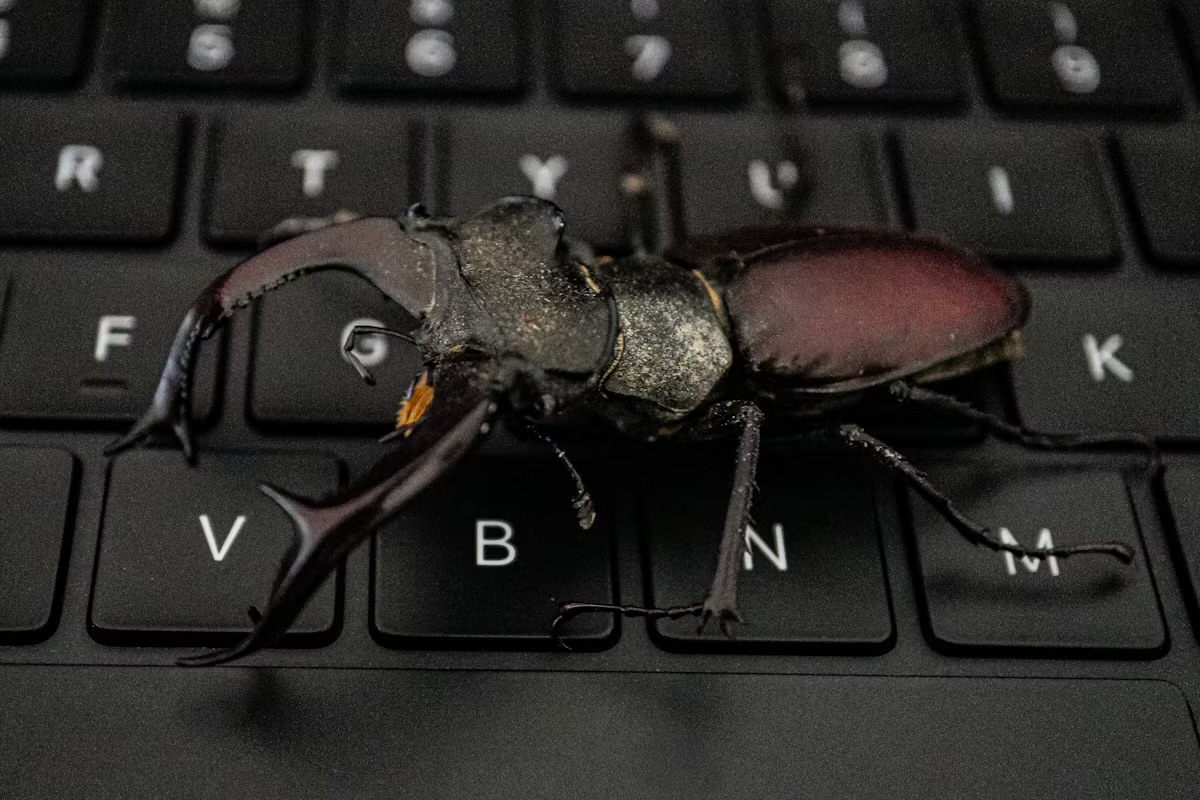
A bug is simply one piece that doesn’t fit the way it should.
Bugs can cause things like:
- Buttons not responding
- Screens freezing
- Features behaving weirdly
- The entire app closing unexpectedly
These bugs usually sneak in when new features are added or when old code interacts with something new. Even the biggest apps — Instagram, TikTok, WhatsApp — fight bugs every single day.
2. Updates: Not Just New Features — New Fixes
When you see “Version 3.4.2 — Bug Fixes and Improvements,” it’s not meaningless filler text.
It means our team has been:
- Finding the bugs
- Rewriting parts of the code
- Improving performance
- Making the app more stable on different devices
Updates keep the app healthy. Without them, bugs would pile up like unwashed dishes.
3. Testing: The Digital Crash Test
Before an update goes live, the app goes through something similar to a crash test.
Our team checks:
- Does the new feature break an old one?
- Does the app run smoothly on both new and old devices?
- What happens when the internet is slow?
- What if someone taps a button too fast or too many times?
We test everything — from how fast the app loads to whether it survives a weak WiFi signal.
Some teams even simulate tens of thousands of users pressing buttons at once.
4. Monitoring: Keeping an Eye on Crashes in Real Time
Even after an app is released, our job isn’t done.
We use tools that tell us:
- Which phones experience the most crashes
- What exact line of code caused the failure
- How often it happens
- What users were doing right before the crash
It’s like having a heartbeat monitor for the app.
When a crash spike appears, we jump on it immediately — diagnose, fix, test, and ship a patch.
5. How We Keep Apps Running Smoothly
Behind the scenes, there’s a whole routine to keep your app from misbehaving:
- Regular clean-ups of old code
- Performance checks to keep things fast
- Security patches
- User feedback reviews
- Compatibility updates for new phones and operating systems
Think of it like maintaining a car:
Oil changes, tyre checks, and tune-ups keep everything running.
So the Next Time an App Crashes…
Remember this: it’s not always a sign of bad quality.
Most of the time, it just means something small went wrong and a team of engineers is already working to make it right.
Crashes are part of the journey, but so are improvements.
And behind every smooth, reliable app is a team quietly fixing, polishing, and perfecting so your experience feels effortless.